Field app
The app takes the operation to the field and works even with no signal.
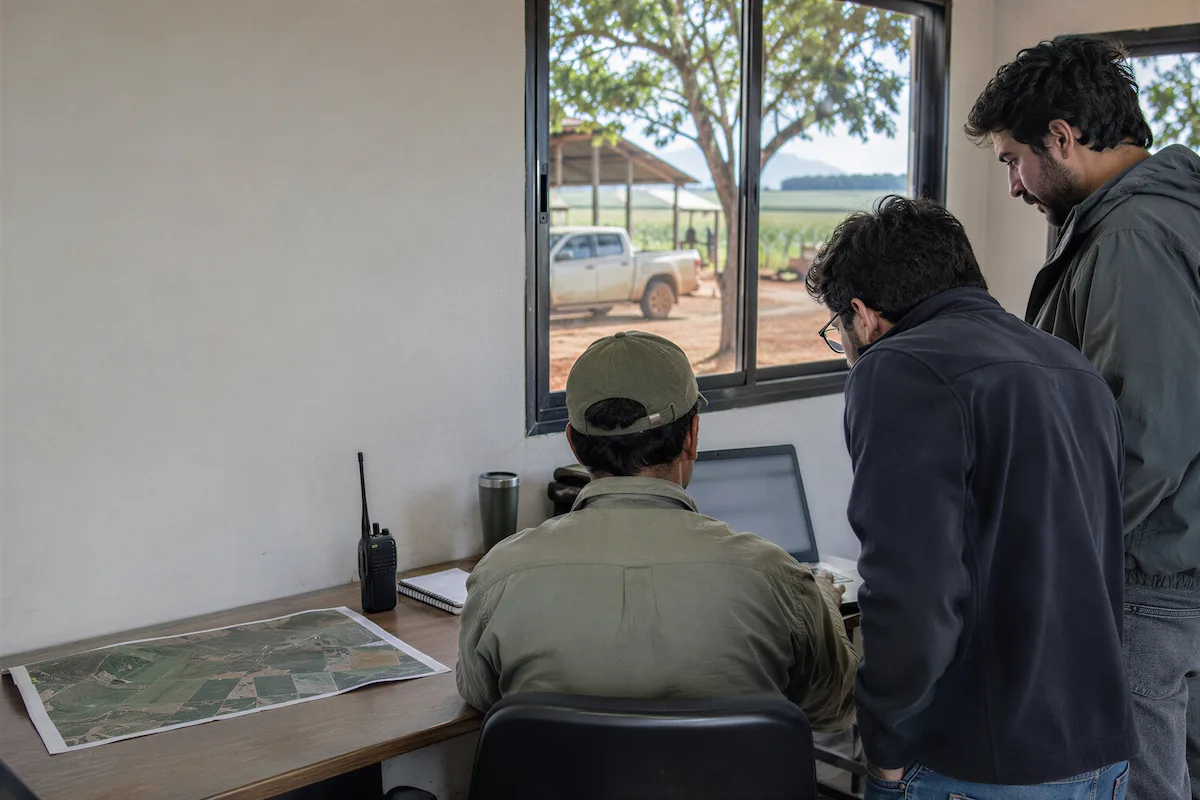
The field team, connected to the command center
People in the field record, confirm and communicate through the app. With no signal, work continues and syncs when the connection returns.
- In the “Awaiting action” queue, see how long each incident has been waiting for dispatch or crew arrival.
- Log phone calls, dispatch resources and check SOS calls, satellite alerts, fleet status and communications from your phone.
- Check the shift schedule and plan. Check whether operations are in Normal, Watch or Emergency status. Share the shift summary as text.
- Open “Current risk” to see the risk index, weather and hotspots within a radius of a point on the map.
- The framing guide is only for taking your profile photo. Unlock the app with your device’s biometrics.
- Find help and contacts. Open “Data sources” to see what each source provides and its status.
- Export incidents and hotspots as CSV and areas as KML. View the audit trail if your role allows it.
Firefighter SOS
A distress call from the firefighter, with their location, that reaches the command center directly.
- Send an SOS with your location. If you lose signal, the app saves the request and sends it when the connection returns.
- The command center receives the request. The operator selects and dispatches a team.
- Every step of the response is recorded with author and time.
Preventive patrols
Patrol routes with checkpoints, confirmed in the field with a photo and time.
- The team follows the route and confirms each point in the app.
- Each point records a photo, time and who passed.
- A finding on patrol opens an incident on the spot.
Checklists
Vehicle and equipment checklists, filled in at the start of the shift, even with no signal.
- The crew fills in the vehicle checklist in the app.
- Whatever fails opens a pending item for maintenance.
- The checklist templates are defined by the company.
Chat with the command center
Messages, photos and audio between the command center and the field team, tied to the incident.
- The command center and crews share messages, photos and audio in the incident record. The timeline logs who sent each entry and when.
- On Android, the on-call alarm sounds even when the app is closed. Check permissions and test the alarm in the app.
- Each person can receive fire alerts at all times, on scheduled days and times, or turn them off. The notification bell collects alerts and messages on the web and in the app.
Offline work
When there’s no signal, the app keeps entries on the device. The queue syncs in order when the connection returns.
- Incidents, photos, checklists and locations join the queue. Each entry keeps the time the action happened.
- Open saved copies of incidents, critical locations, areas, teams, risk data, checklists, patrols and vehicles.
- Use GPS offline. Copy coordinates or, when connected, open directions in your navigation app.
Take the Ignio platform to the field
In the demo, we show the app in the team’s hands, in the scenario of your operation.