Ignio platform
An integrated emergency coordination platform.
Operations
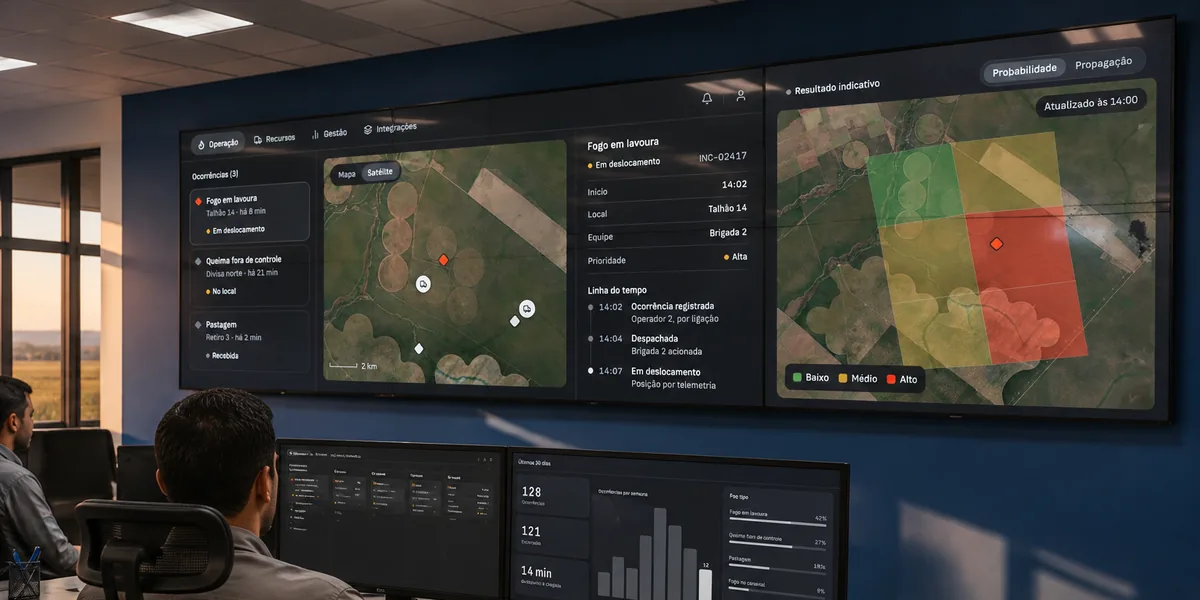
What is happening now: the incident, the board, the map and the alerts.
Live operations
The board of incidents in progress, organized by stage.
- Six columns show the stage of each incident.
- The operator changes the status and dispatches right on the board.
- The board updates in real time.
From signals to a record
Information from each channel brought into one incident.
Call received
A neighbor notified the base
Message
I saw fire near the road
Sensor alert
Smoke detector · Warehouse 2
Camera
Signs of smoke at Tower 3
Indicative result
Crop fire
Plot 14
ReceivedRecorded with author and time
Operator 1 · 18:24
Field resources
Who and what can be dispatched: fleet, drones, crews and training.
Fleet and drones
Registry of the customer’s vehicles, equipment and drones.
- Vehicles have eight statuses, type, station, cameras and tracker.
- Drones have seven statuses, mission, optical and thermal cameras, and dispatch to an incident.
- With integrated telemetry, the position of vehicles and drones shows on the map.
ResourceStatus
Water truck 1
Vehicle · Returning
- Current location
- Access to Base 1
- Station
- Base 1
Management
What stays afterwards: indicators, reports and the trail of every action.

Executive dashboard
Consolidated indicators for incidents, resources and response times.
- Compare dashboard metrics with the previous period when data is available.
- The breakdown by incident type and recent activity sit on the same screen.
- The average time from dispatch to the team’s arrival is one of the indicators.
Field app
The operation in the field: SOS, patrols, checklists, chat and offline work.
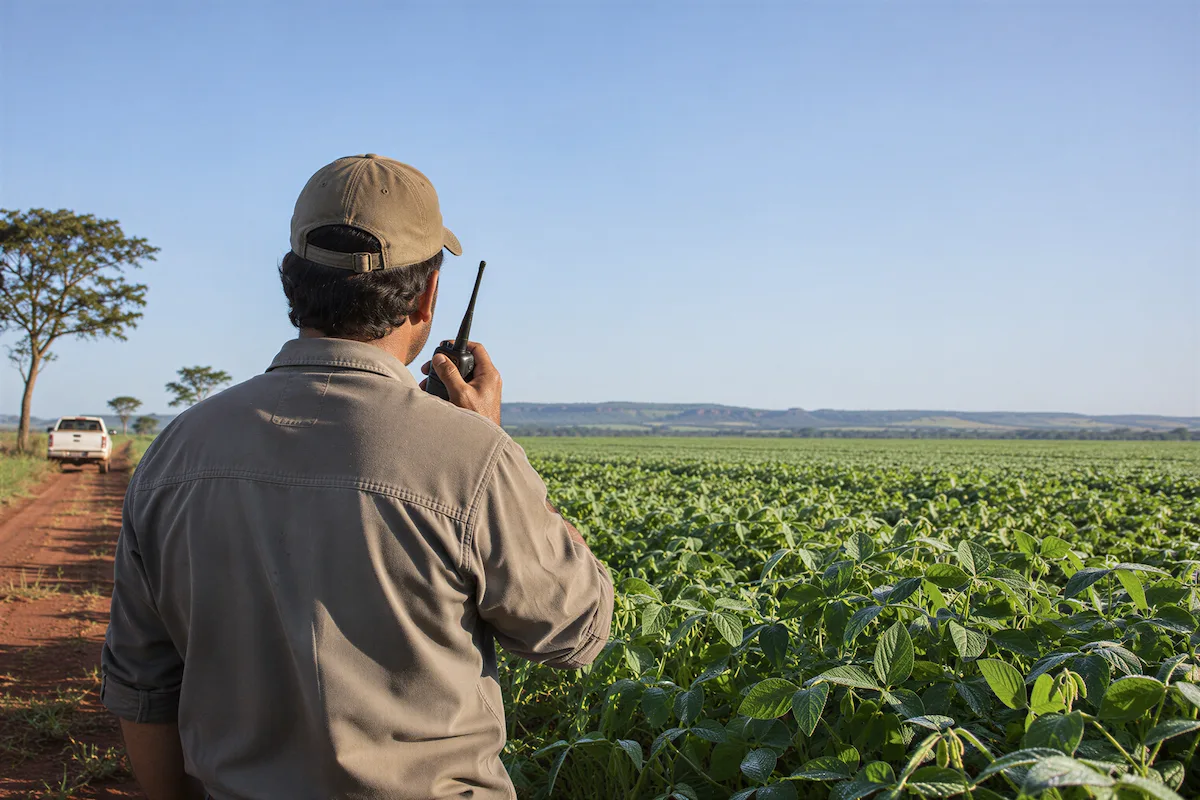
Firefighter SOS
A distress call from the firefighter, with their location, that reaches the command center directly.
- Send an SOS with your location. If you lose signal, the app saves the request and sends it when the connection returns.
- The command center receives the request. The operator selects and dispatches a team.
- Every step of the response is recorded with author and time.
The alarm you already have opens the incident
Connect your systems to the Ignio platform. Interactive API documentation guides the integration.
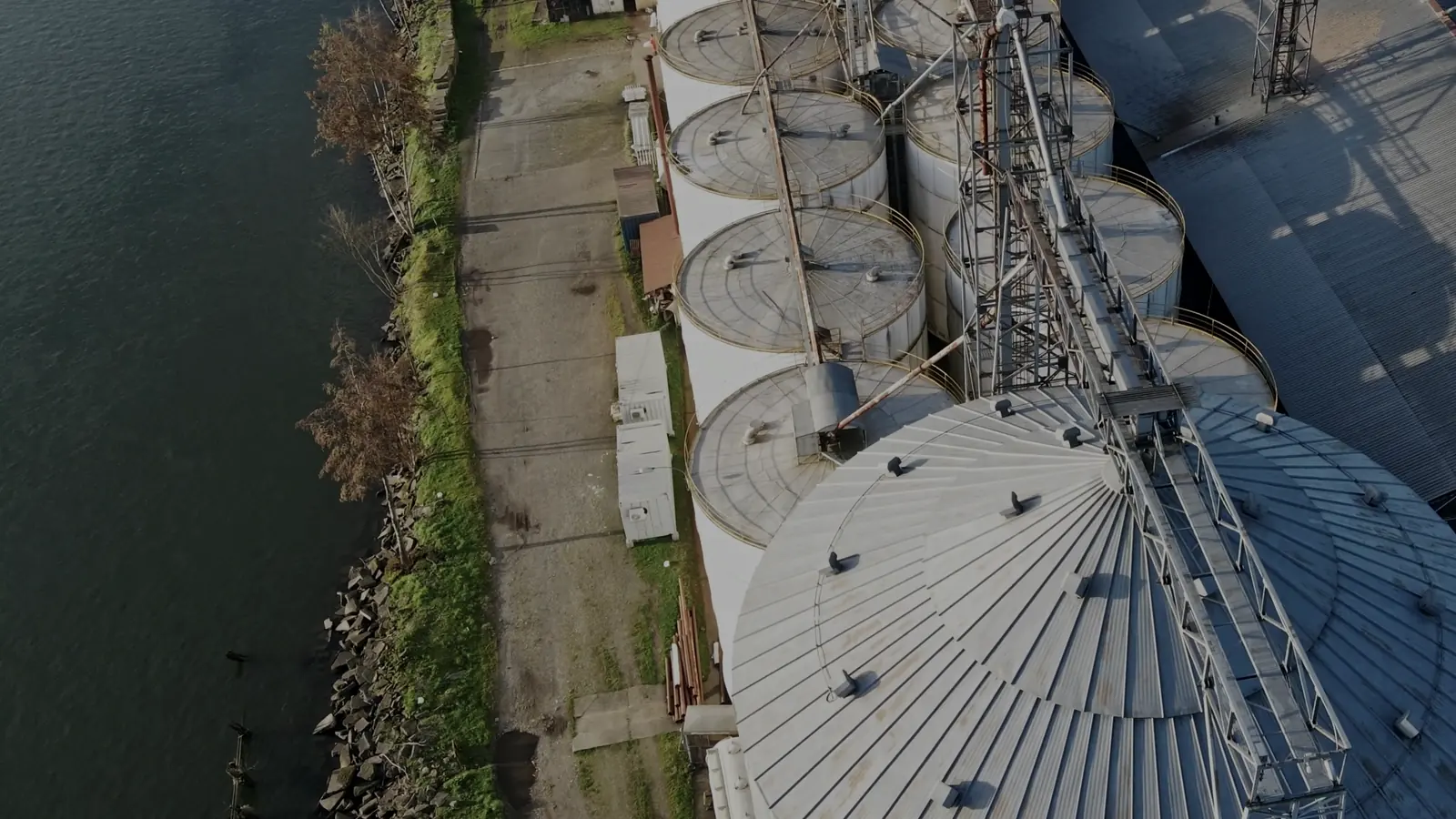
Sign in to the API to use the same functions as the platform. Systems with a scoped key can also open and look up incidents.
Partner systems receive real-time events. Seven event types are also sent through signed webhooks over HTTPS only.
Vehicles and drones send their position through telemetry.
A product for every operation
All products use the Ignio platform. Choose the one for your operation.
Coordinate the response
See coordination in your operational setting and analysis supported by artificial intelligence. Indicative results. The operator decides.